Template Marketplace
Install ready-made report templates from the community.
Overview
The marketplace lets you browse and install inspection report templates shared by the community, so you don't have to build one from scratch. Every template is free.
For report-enabled accounts
Installed templates join your own report templates and work with your rating systems and comment library.
Browsing
Navigate to Templates in the sidebar and open the Marketplace tab.
Only the account owner, Admins, and Managers see Templates in the sidebar. See Team Roles.
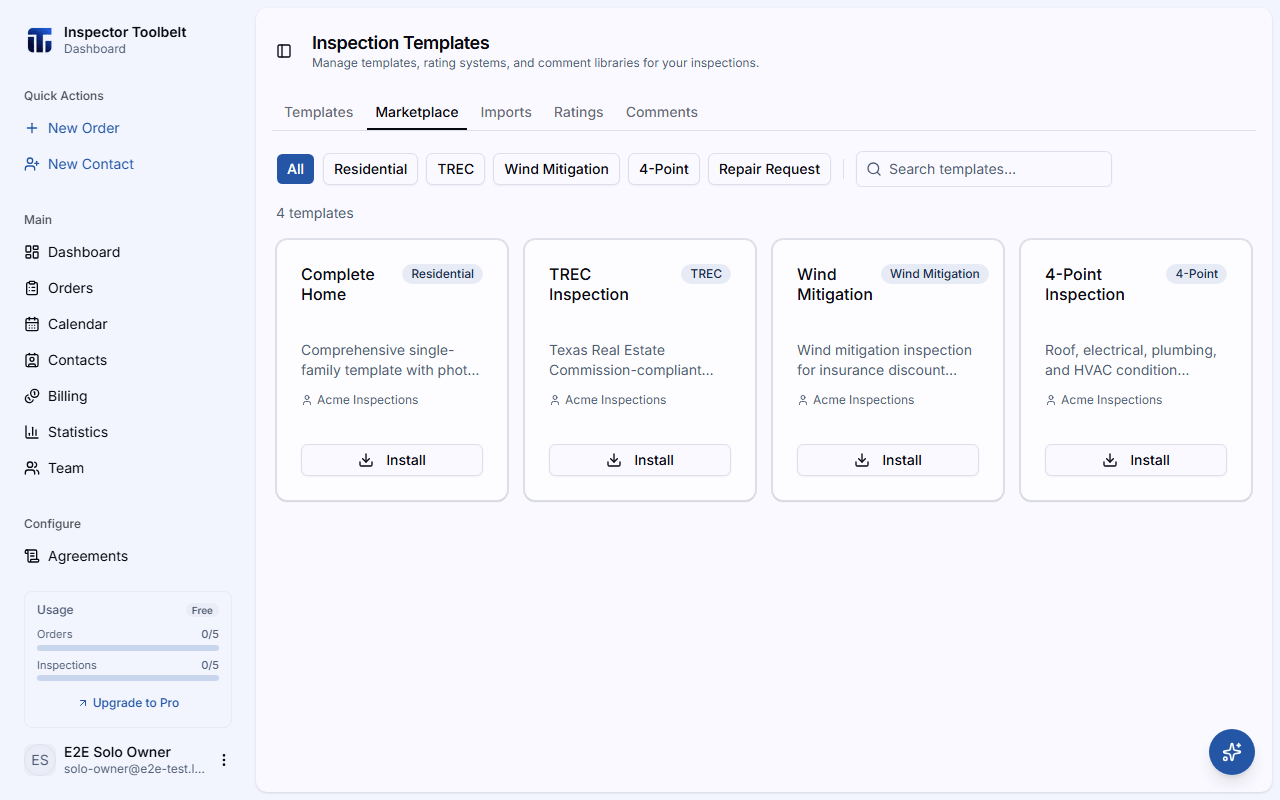
Use the search box to find templates by name, description, or author, and filter by category: All, Residential, TREC, Wind Mitigation, or 4-Point. Click any template card to see its full description, author, and section list.
Group Templates
If your account has a group code from a school or partner organization, a Group Templates section (marked Your Group) appears above the general list, showing only templates shared within your organization.
Installing a Template
Click Install on a card, or Use This Template from its detail view.
In the Install Template dialog, give the template a Template Name and choose a Default Rating System, then click Install.
A large template can take a moment. The card shows Installing… until it finishes, and you can close the window and keep working in the meantime.
A template you've installed before shows an Installed badge on its card. Its button then reads Install Again, both on the card and in the detail view. Installing again adds another copy; it doesn't replace the one you have.
Where it lands
The installed template is added to your Templates tab, where you can edit and use it like any template you built yourself. From there it's available when you write a report.